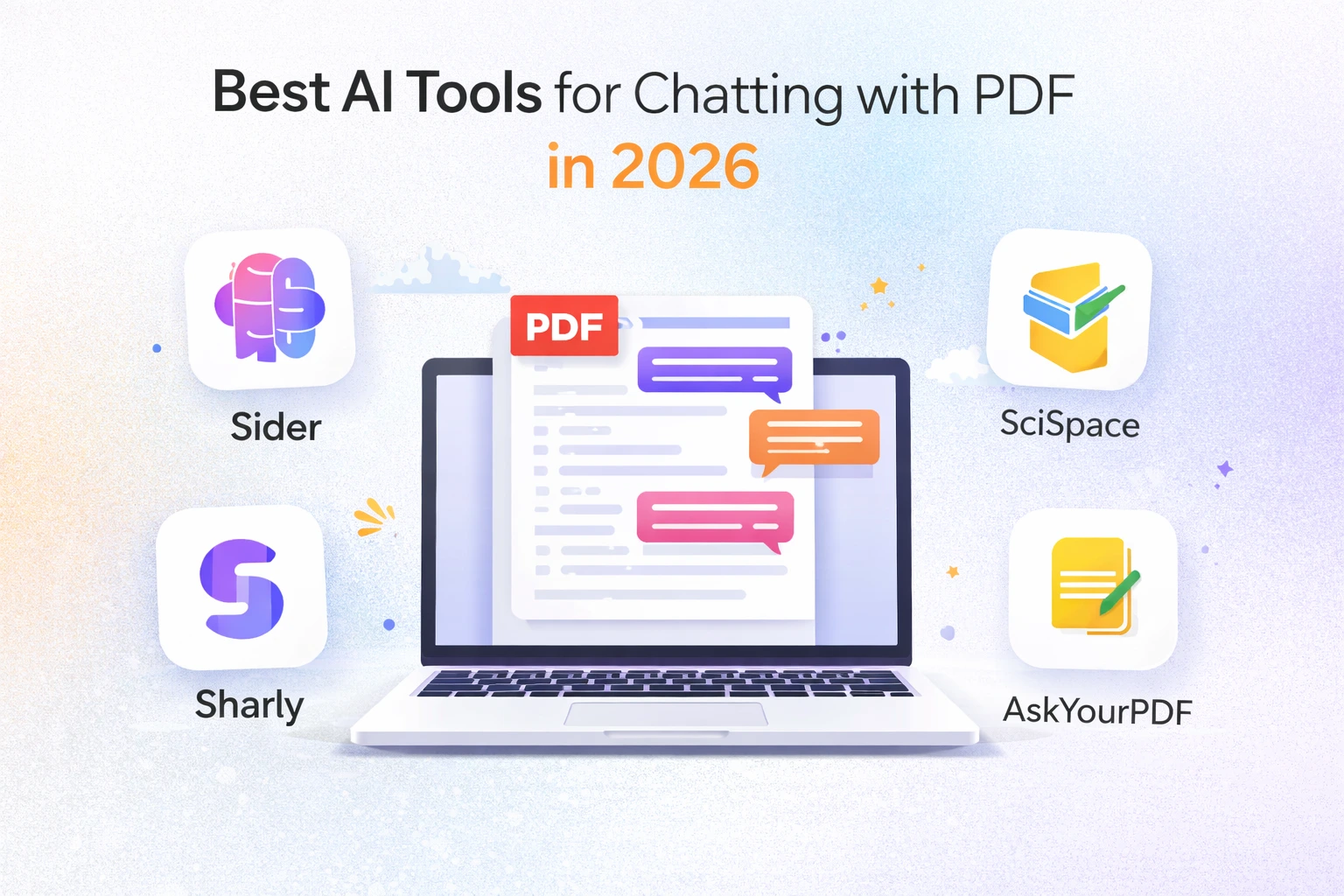
If you often deal with long PDFs, research papers, reports, or business files, you already know how tiring manual reading can be. This is where Best AI tools for chatting with PDF in 2026 make life easier. Instead of scrolling page by page, you can simply upload a file, ask questions, and get clear answers in seconds. In 2026, several AI PDF chat tools have become reliable enough for students, professionals, and researchers.
Table of Contents
List of 5 best AI tools for chatting with PDF in 2026
In this article, I am sharing the best AI tools for chatting with PDF in 2026 based on real usage experience. I will talk about features, limits, pricing, and who should actually use each tool. The language is simple, and the focus is on practical use, not marketing talk.
| Tool | Free PDF Limits | AI Models | Best for |
| ChatPDF | 2 PDFs per day | GPT-4o and GPT-4o-mini | Easy-to-use interface |
| Sharly | 10 PDFs per month | GPT-4o, GPT-4o-mini, o1, and o1-mini | Customized output |
| SciSpace | Limited | Not mentioned | Technical and Citation-backed Analysis |
| AskYourPDF | 2 PDFs per day | GPT, Claude, Gemini | Multiple Document formats & Podcast |
| Sider.AI | Not mentioned | Basic: Sider Fusion, GPT-5 mini, Claude 3.5 Haiku, Gemini 2.5 Flash, Kimi K2, DeepSeek V3Advanced: GPT-5, GPT-4.1, DeepSeek v3.1, Claude 3.7 Sonnet, Claude Sonnet 4, Gemini 2.5 Pro, Gemini 2.5 Flash Think, and more | AI model flexibility for free |
1. ChatPDF – Best AI Tool for Chatting with PDF
| FILE TYPE SUPPORTED | PDF, Word, PowerPoint, Markdown, and Text |
| DEVICES | Windows, Mac, iOS, Android |
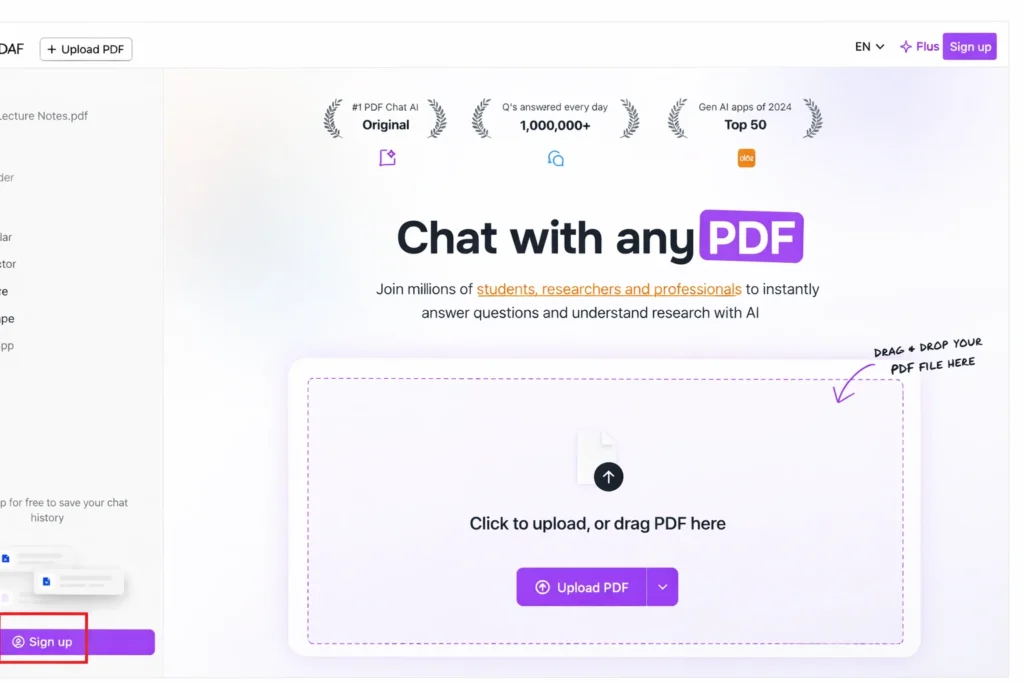
ChatPDF is one of the easiest Best AI tools for chatting with PDF in 2026 if you want quick answers without any setup. You upload a PDF, type your question, and it responds like a chat assistant made only for documents. It supports PDF, Word, PowerPoint, Markdown, and text files, which already makes it flexible for daily use.
Highlighted Features
- No Login Required: Just open the website, tap the “+” icon, and upload your file. During testing, I was able to analyze multiple documents without creating an account or signing in.
- Fast Processing: Even large PDFs of around 50 pages are scanned within seconds, followed by an instant AI-generated summary of the content.
- Flexible Output Quality: ChatPDF provides two response modes. The Fast mode is free and delivers quick, clear answers, while the High Quality mode is available for paid users who need more refined results.
- Works for All Use Cases: Whether it’s scientific material with formulas or business and general documents, the tool handles both academic and non-academic PDFs smoothly and delivers well-structured answers.
Pricing
ChatPDF offers a free plan that allows up to 120 pages per PDF, 2 PDF uploads per day, and 20 messages daily. The Plus plan is priced at ₹2,399 per year, which comes to around ₹199.92 per month.
2. Sharly – AI Tool for Chatting with PDF with Custom Output Control
| FILE TYPE SUPPORTED | PDF, Word, Upload from Cloud, Link |
| DEVICES | Web based |
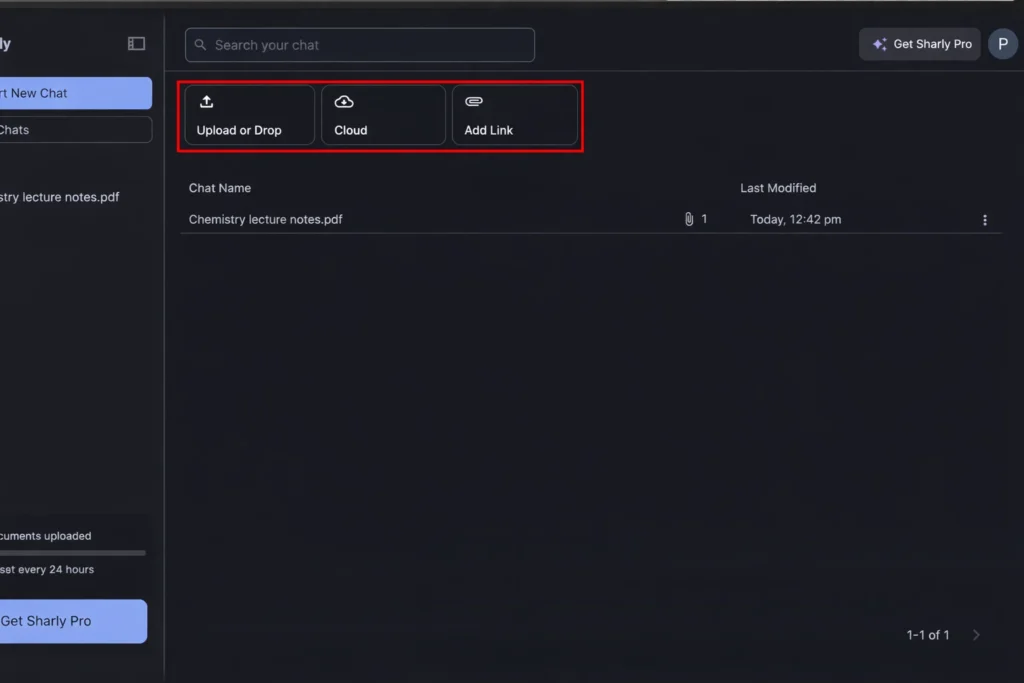
Sharly focuses on customization. Among modern Best AI tools for chatting with PDF in 2026, Sharly feels more professional and structured. You can control answer length, response style, and even content sources. This is useful when you are working with business reports or research files.
Highlighted Features
- Custom Output Control: Sharly lets you set your own instructions with adjustable answer length.
- Clear and Simple Summaries: After uploading a document, Sharly analyzes it quickly and produces a short, one-paragraph summary that highlights the main points.
- Well-Structured Answers: Whether you are reviewing research papers or marketing documents, the responses are organized, direct, and easy to read, using simple and digestible language.
- Cloud Integrations: Sharly connects with popular platforms like Notion, Google Drive, Dropbox, and its own cloud storage, making file sharing and access smooth and convenient.
Pricing
- Free Plan
- Up to 10 document uploads per month
- 50 messages per chat
- 10,000 context length
- Access to the GPT-4o-mini model
- Pro Plan
- Costs ₹5,000 per year (₹417 per month)
- Unlimited document uploads
- Extended 50k context length
- Access to advanced models, including GPT-4o, o1-mini, o1, and others
3. SciSpace – Best AI Tool for Chatting with PDF for Academic Use
| FILE TYPE SUPPORTED | PDF only |
| DEVICES | Windows, Mac, iOS, and Chrome plugin |
SciSpace is built mainly for academic and technical reading. If you deal with research papers, lecture notes, or scientific PDFs, this is one of the strongest Best AI tools for chatting with PDF in 2026.
Highlighted Features
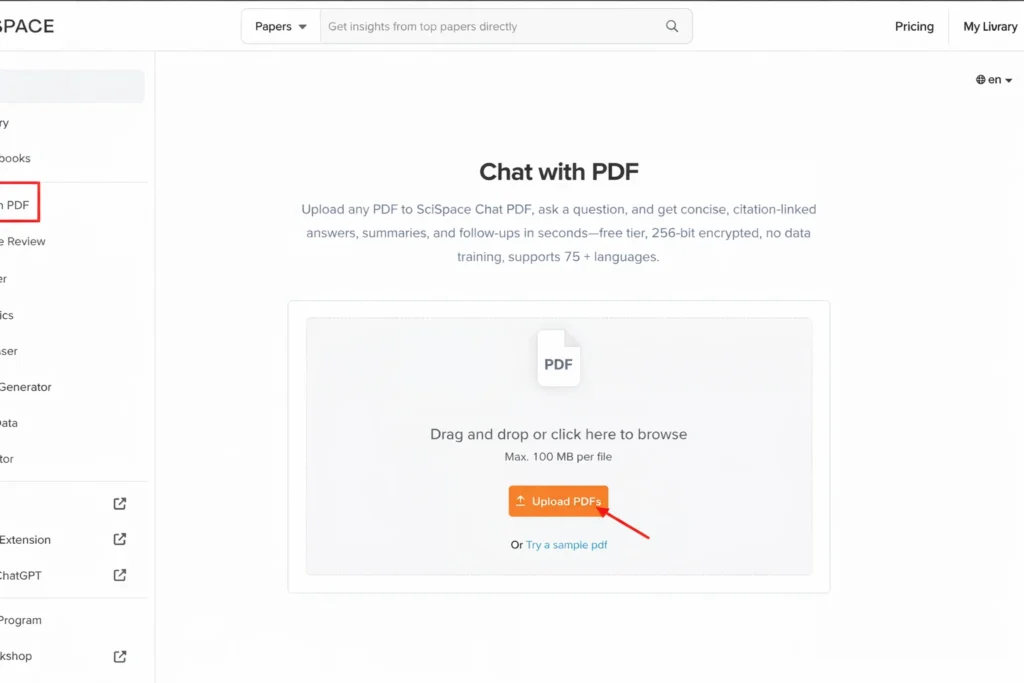
- Suggested Queries: After processing uploaded PDFs, SciSpace generates pre-set prompts and suggested queries, enabling quick and guided learning for students.
- Clean Interface: The platform offers a minimal, well-organized layout with a side-by-side PDF and chat view, plus a left navigation menu for tools like literature reviews, AI writing, and citation management.
- Citation-Backed Answers: Responses are supported with precise page references, ensuring accuracy and reliability.
- Multilingual Answers: Users can select their preferred response language from a dropdown menu, including options such as Hindi.
- Math and Table Explanations: Complex equations and tables can be easily understood by hovering over them for instant explanations.
Pricing
SciSpace offers a tiered pricing structure to accommodate different usage levels. Free users receive 100 AI credits per month, limited PDF chats, and access to the standard model only. For advanced requirements, SciSpace provides Premium, Advanced, and Team plans.
The Premium plan starts at ₹8,400 per year (₹700 per month) and includes 1,200 AI credits per month, unlimited chats with papers and PDFs, and access to high-quality AI models, along with additional features.
4. AskYourPDF – AI Tool for Chatting with PDF and Podcast Creation
| FILE TYPE SUPPORTED | PDF, Word, PowerPoint, Markdown, and Text |
| DEVICES | Windows, Mac, Android, iOS |
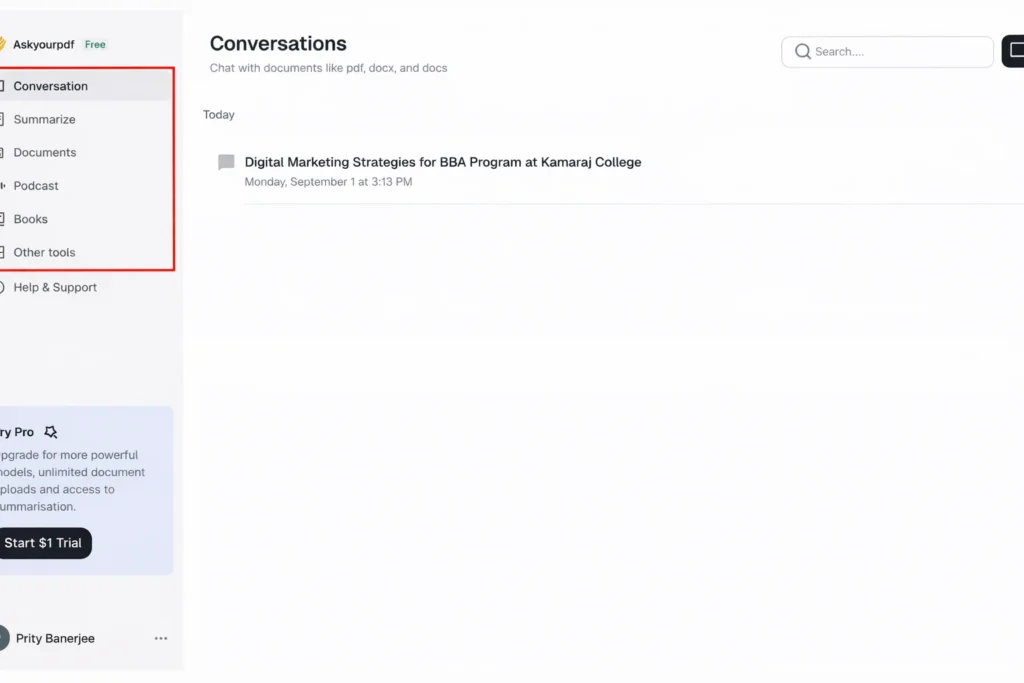
AskYourPDF supports many document formats and adds a creative twist with podcast generation. It can analyze PDF, Word, PowerPoint, EPUB, and more, making it one of the most flexible Best AI tools for chatting with PDF in 2026.
Highlighted Features
- Multi-Format Support: AskYourPDF supports a wide range of file types, including PDF, DOC, TXT, PPT, PPTX, EPUB, and RTF. It also allows uploads via Zotero integration and shared document links.
- Output Customization: Users can configure response preferences at upload, selecting answer length and format such as auto, bullet points, paper-style, or paragraph.
- High-Quality Output: Summaries and responses are detailed and well-structured, with topic-wise explanations and page-referenced citations to ensure factual accuracy.
- Podcast Generation: Chats and full documents can be converted into conversational, multi-speaker podcasts, offering an engaging audio alternative to reading.
- Cross-Platform Access: AskYourPDF is available on both mobile and desktop, with additional support through a Chrome extension and plugins for Zotero and ChatGPT.
Pricing
AskYourPDF offers both free and paid plans. Free users can upload 2 documents per day, ask up to 50 questions daily, and maintain one active AI conversation, along with 50 plugin-based chats per day. For expanded usage, AskYourPDF provides Premium, Pro, and Enterprise plans.
The Premium plan starts at $144.99 per year ($11.99 per month) and supports documents of up to 2,500 pages(maximum 31 MB), 1,200 questions per day, 50 document uploads daily, and access to advanced AI models, along with additional features.
5. Sider.AI – AI Tool for Chatting with PDF Using Multiple Models
| FILE TYPE SUPPORTED | PDF, Word, PowerPoint, Markdown, and Text |
| DEVICES | Windows, Mac, iOS, Android, Edge & Chrome extension |
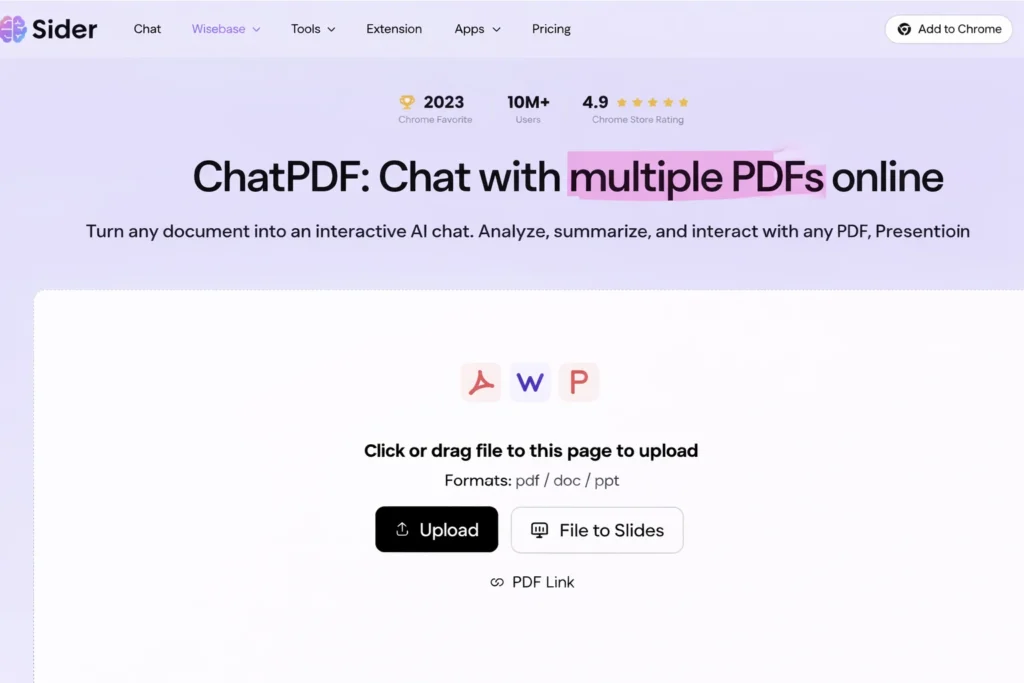
Sider.AI offers ChatPDF features along with access to multiple AI models. This makes it different from other Best AI tools for chatting with PDF in 2026. You can choose between models like GPT-based and other AI engines, even in the free plan.
Highlighted Features
- AI Model Selection: Sider AI supports multiple free-to-use models, including Sider Fusion, GPT-5 Mini, Claude 3.5 Haiku, DeepSeek V3, and Kimi K2. Paid plans unlock access to additional advanced models.
- Brief Summaries: The tool effectively identifies chapters and key terms, delivering concise summaries. While results are strong for general and marketing content, output quality for highly technical documents is moderate.
- PDF Translation: Users can translate PDFs into multiple languages—such as Hindi, Chinese, and Japanese—directly from the chat interface, with accurate, slide-by-slide translations.
- Browser Extensions: Sider AI offers extensions for both Google Chrome and Microsoft Edge, providing broader browser compatibility than many competitors.
- Easy Organization: Chats can be saved as notes and reused in multi-note conversations, simplifying research, referencing, and content organization.
Pricing
Sider AI offers a free plan that supports file uploads up to 10 MB and provides 30 credits for chatting with basic AI models. However, the platform does not clearly disclose daily upload limits or detailed credit usage per interaction. For extended access, Sider AI provides four paid plans: Starter, Unlimited, Basic, and Pro.
The Starter plan is priced at $50 per year ($4.20 per month) and includes 1,800 monthly credits for basic models, 100 advanced credits for advanced AI models, file and link chat support, and access to premium features.
Final Thoughts on AI Tools for Chatting with PDF in 2026
The demand for Best AI tools for chatting with PDF in 2026 is growing because people want faster ways to understand documents. Each tool in this list serves a different type of user. ChatPDF works well for beginners, Sharly suits professionals, SciSpace supports academics, AskYourPDF adds audio flexibility, and Sider.AI attracts users who enjoy browser extensions and AI model choices.
AI Art Generator platforms more also like creative partners rather than simple tools. They support artists and content creators by saving time and helping them explore new visual ideas easily.