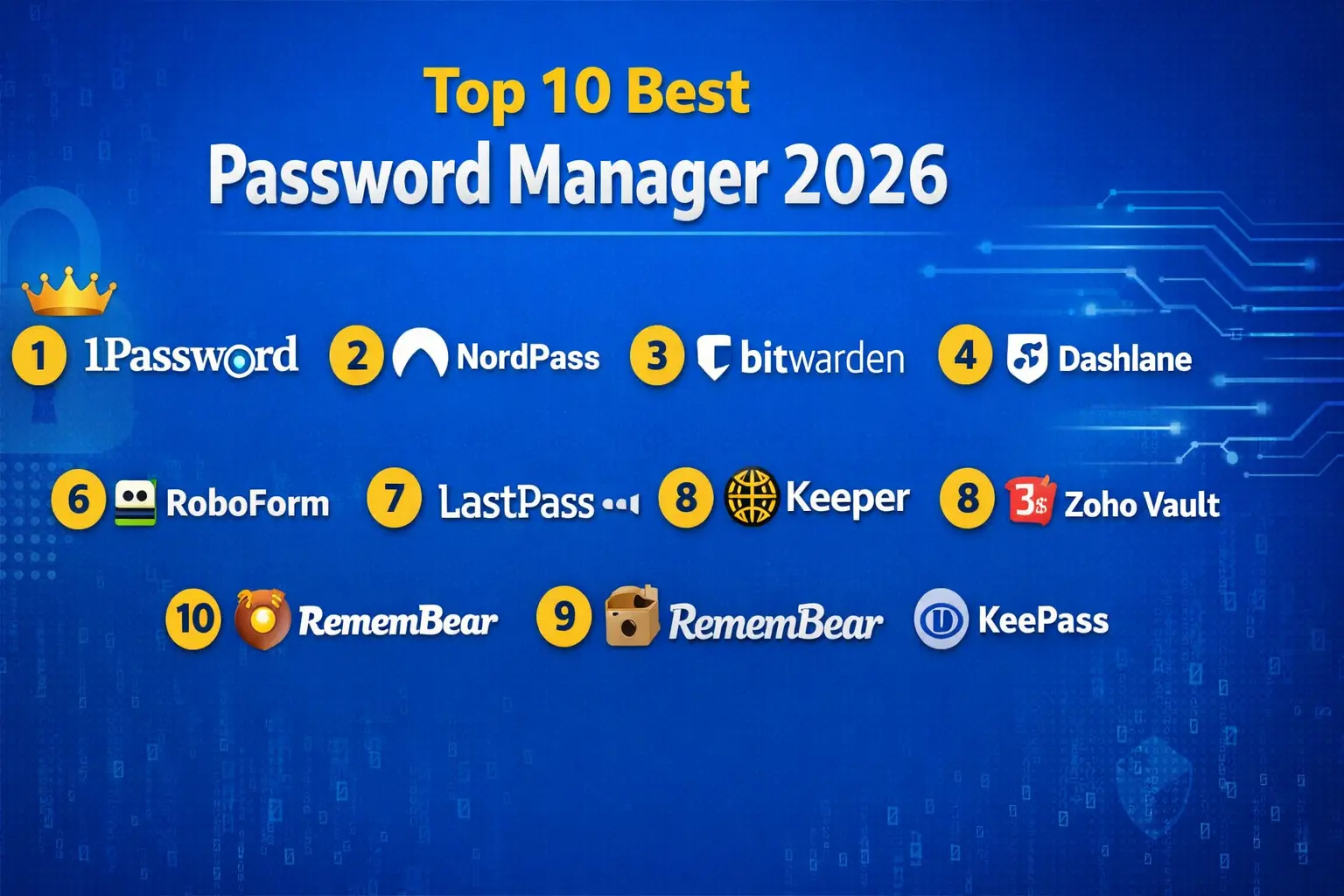
If you use the internet every day, you already know how difficult it is to remember dozens of passwords. From banking and social apps to shopping websites and work tools, every account needs a strong password. This is where password managers make life easier. In this simple guide on the Top 10 Best Password Manager 2026, we will talk about some of the most popular password managers and how they help you stay safe online.
Table of Contents
This article is written in a friendly and easy-to-understand way so that even a beginner can decide which password manager is suitable for daily use.
1Password Best Password Manager
1Password is one of the top choices in the list of Top 10 Best Password Manager 2026. It focuses on strong security, regular audits, and a clean track record. Many users prefer it because it supports two-factor authentication and keeps a password change history, which helps when a password is replaced by mistake. The Watchtower feature shows breach reports and password health insights, making it useful for people who want better control over their online safety.
The interface offers many features, so beginners may find it slightly complex in the beginning, but with regular use it becomes manageable. There is no free plan and no emergency access option, so users who want recovery support may miss that feature. Still, as an overall package, 1Password stands out as one of the best password manager tools for families and individuals in 2026.
NordPass Easy To Use Password Manager
NordPass is another strong name in the Top 10 Best Password Manager 2026 list because of its simple and modern interface. It is beginner-friendly and supports secure sharing, folder management, detailed password reports, and breach scanning. NordPass has also undergone security audits, which builds trust among users.
Its free plan works only on one active device at a time, which may feel restrictive for multi-device users. The browser extension needs the desktop app to function, and there is no in-built authenticator. Even with these points, NordPass remains a good option for users who want an easy-to-use password manager with clean design and practical features.
Bitwarden Best Free Password Manager
Bitwarden holds a special place in the Top 10 Best Password Manager 2026 because it is open-source and offers one of the best free plans available today. It supports all major platforms including Windows, Mac, Linux, Android, and iOS. The interface is simple and reliable, and the passphrase and password generator helps users create strong and memorable combinations.
Self-hosting is another helpful option for privacy-focused users. The interface may feel slightly outdated and autofill sometimes glitches, but considering its free features and affordable paid plan, Bitwarden is an excellent choice for users who want a secure and value-oriented password manager.
Dashlane Good For Sharing
Dashlane is known for its password sharing features, which makes it a good pick in the Top 10 Best Password Manager 2026 list. It supports auto login, password history, breach monitoring reports, and automatic password changing for selected websites. The extensions work smoothly and users also get a VPN service with the plan.
However, the VPN logs data, and some services are only available in the US. Security audit transparency is also limited. Even with these points, Dashlane is suitable for people who want smooth sharing options and advanced convenience features in their password manager.
Zoho Vault Best For Business Users
Zoho Vault is a good option for professionals and teams, which is why it is included in the Top 10 Best Password Manager 2026. Even its free plan supports multiple devices, offline access, and password reports. Sharing with users and groups is helpful for team workflows, and call support is especially beneficial for Indian users.
The interface feels outdated and there are no third-party security audits yet. It also lacks encrypted storage and breach reports. For individuals it may feel limited, but for small and mid-size teams, Zoho Vault is a practical business-focused password manager.
RoboForm Oldest Password Manager
RoboForm is one of the oldest tools featured in the Top 10 Best Password Manager 2026. It offers strong encryption, offline access, emergency access, and quick auto-login support. Many users like it because it is affordable and has a stable track record.
Some features are divided across extension, web, and desktop, which can confuse new users. There is no dark web scanner and support responses can be slow at times. Still, RoboForm works well for users who want a stable, budget-friendly password manager with offline access.
LastPass Password Manager
LastPass is widely known and still appears in discussions around the Top 10 Best Password Manager 2026. It offers emergency access, country restriction settings, auto-login, and credit monitoring alerts for US users. The free version allows unlimited passwords but limits device type usage.
However, its past security incidents and extension issues make some users cautious. Import glitches and slow customer support are also concerns. LastPass may work for users who want a simple cloud password manager, but people who focus strongly on security may prefer other options in this list.
Keeper Password Manager
Keeper is easy to use and offers clean design, emergency access, breach reports, and strong encryption. It is included in the Top 10 Best Password Manager 2026 mainly for its simplicity and beginner-friendly workflow.
However, features like Breach Watch come as paid add-ons, which increases the overall cost. The password generator also opens only from login pages, which can feel limiting. Keeper may be suitable for users who value ease of use, but its pricing may not appeal to everyone.
RememBear Password Manager
RememBear gained attention for its friendly design, animations, and fingerprint unlock support on Chrome extension. It also provided a backup kit for recovery. But even though it appears in historical discussions around Top 10 Best Password Manager 2026, its service has now been discontinued, and users were shifted to premium access for a limited time.
Because it lacks 2FA, reports, and modern platform support, it is no longer recommended for new users in 2026.
KeePass Open Source Password Manager
KeePass is an open-source offline password manager that appeals mostly to tech-savvy users. It is donation-based and available across devices, which is why it is still mentioned in Top 10 Best Password Manager 2026 lists.
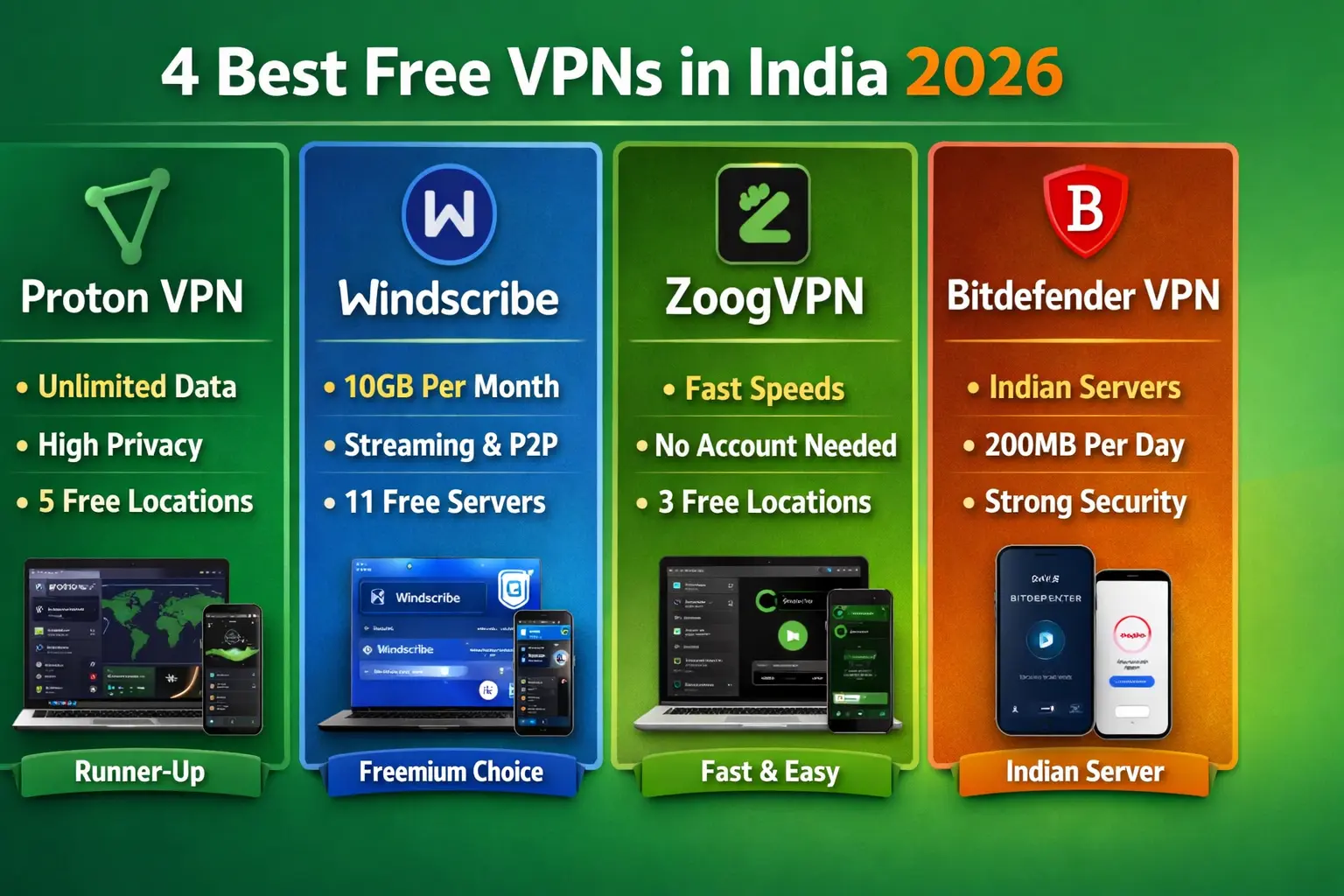
The setup process is complex, and the interface is old-styled. There is no auto-sync or reports feature. But users who like manual control and offline storage often find KeePass useful, especially with community-supported versions like KeePassXC. and for information about Best Free VPNs in India 2026.
Final Thoughts on Top 10 Best Password Manager 2026
Choosing the Top 10 Best Password Manager 2026 depends on your personal needs. If you want a balanced and feature-rich experience, 1Password and NordPass work well. If you want a free or affordable option, Bitwarden is a strong choice. Teams may like Zoho Vault, while privacy-focused users may prefer offline tools like KeePass.
The goal is simple — use a password manager that keeps your online accounts safe, easy to manage, and stress-free.